Product categorization is an essential task for a webstore owner. It is the best way to navigate visitors on your store and prevent them from scrolling through dozens of products when looking for a necessary one.
Let's have a deeper insight into adding categories in WooCommerce admin and via Store Manager.
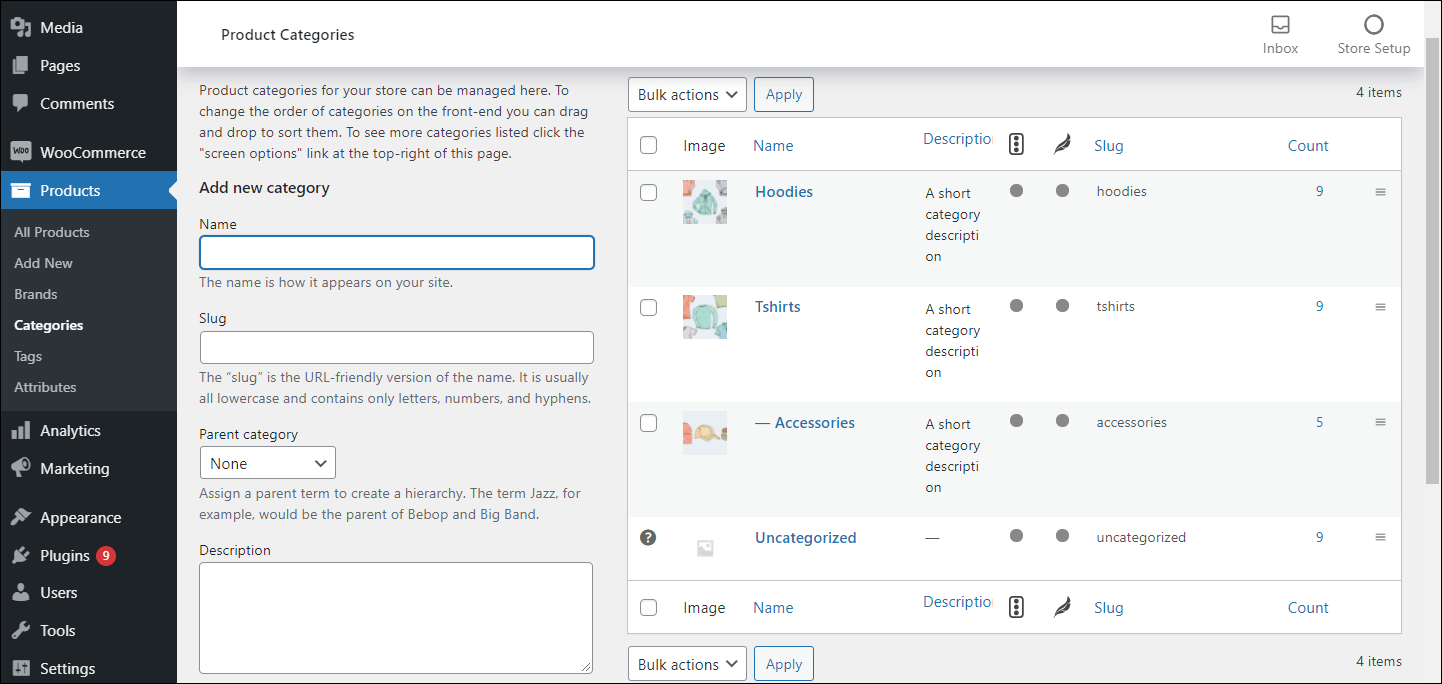
WooCommerce offers two ways of category addition: on product page or in category management section. Let's consider both of them.
Sometimes, you may need to add a new category while editing or adding a new item to quickly assign it to the newly created category. WooCommerce allows to do this in the following way:
The above stated method is quite eliminated as it allows only to indicate the category name and parent category and is used if instant category addition is necessary.
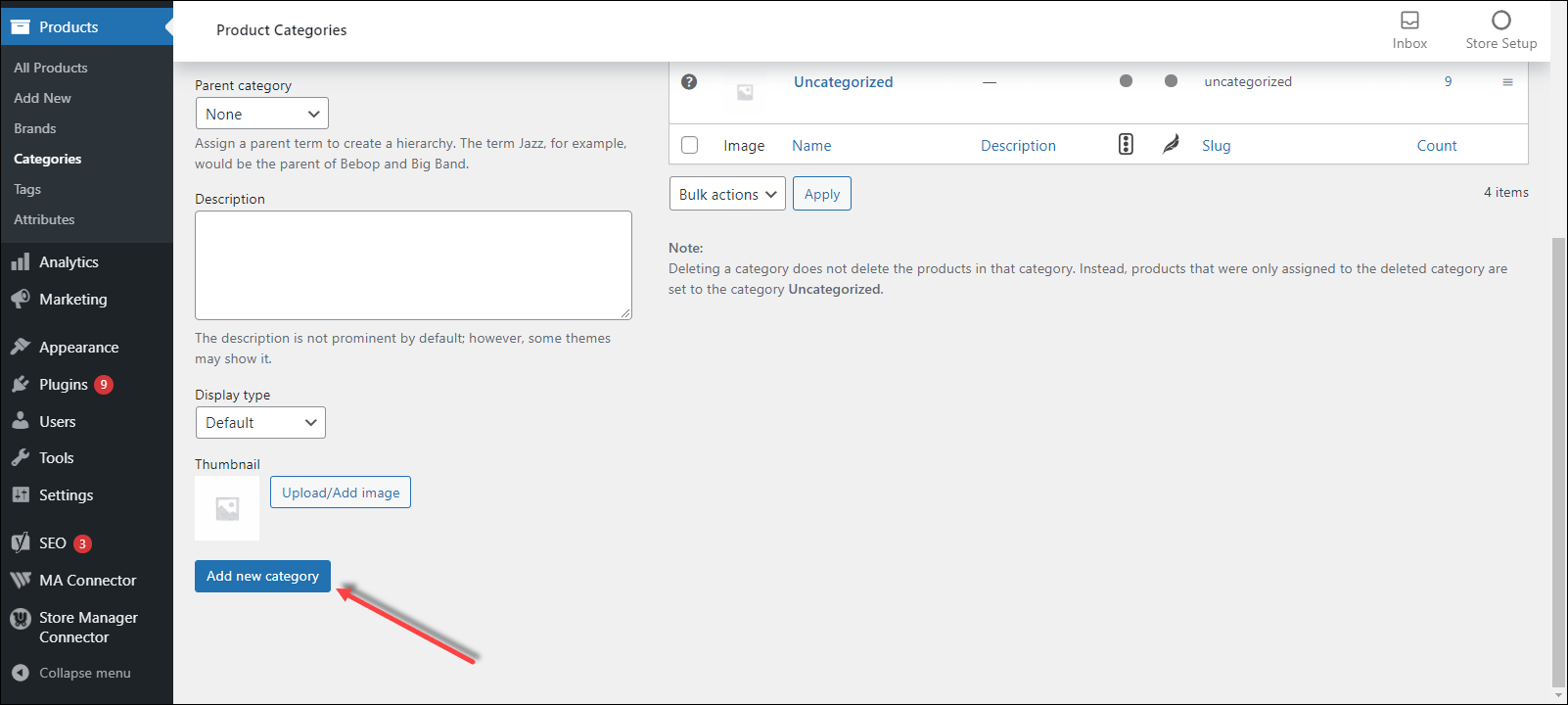
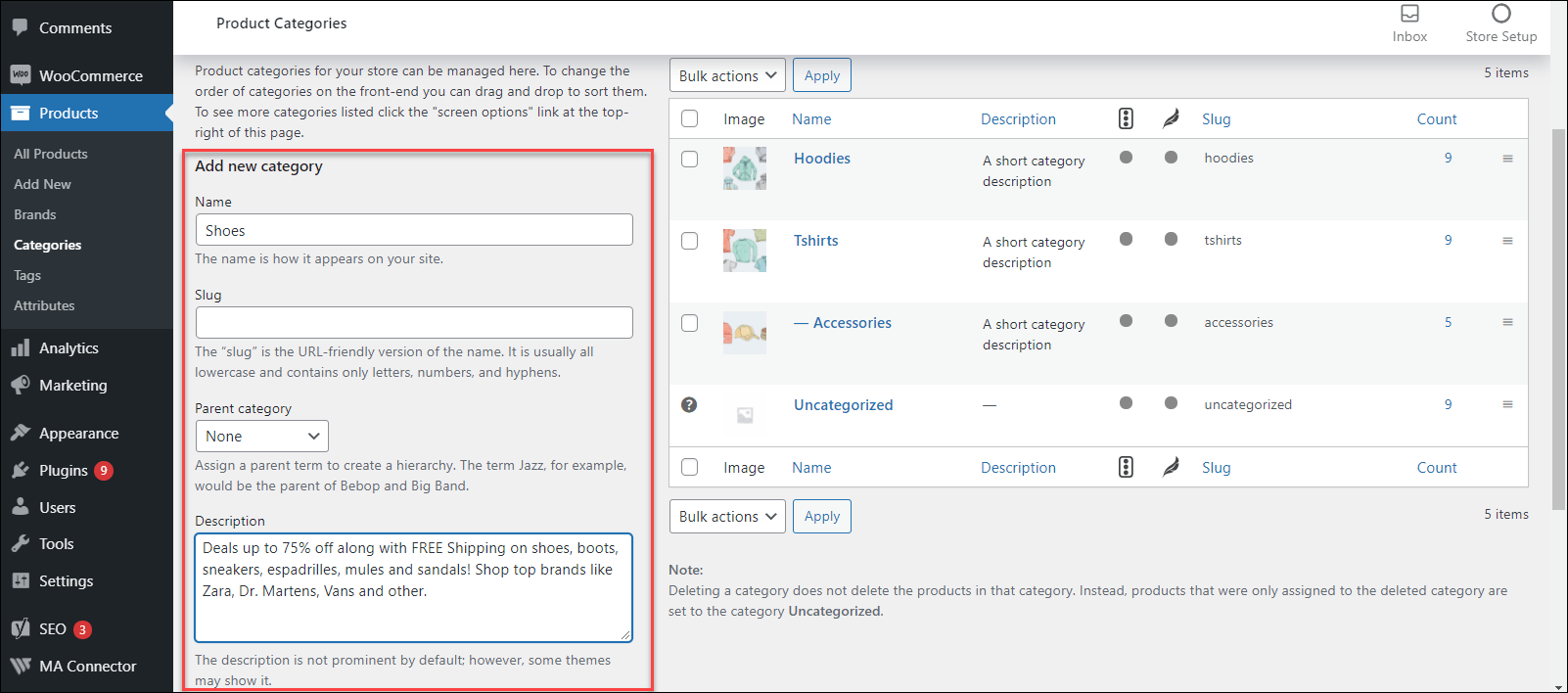
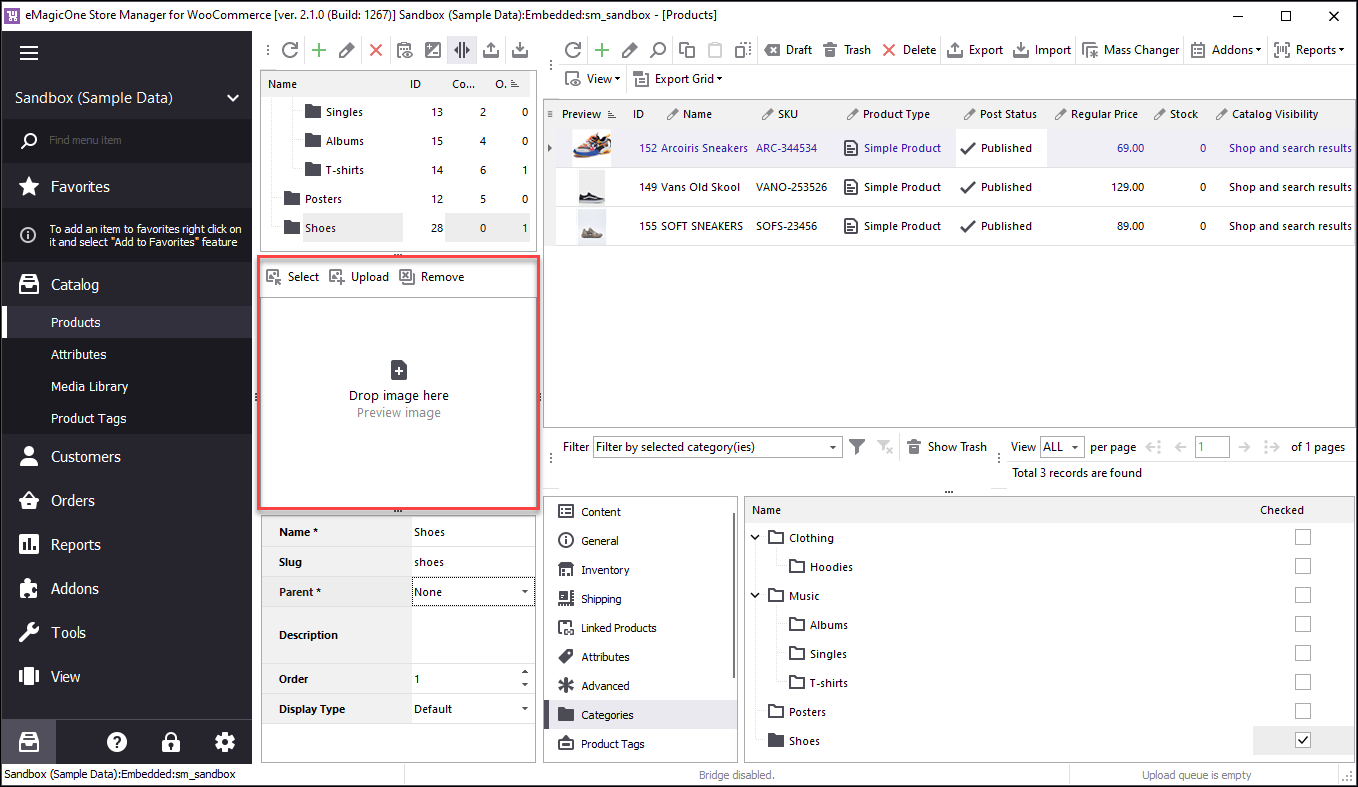
Using the next method, you can specify category slug, description and add category image.
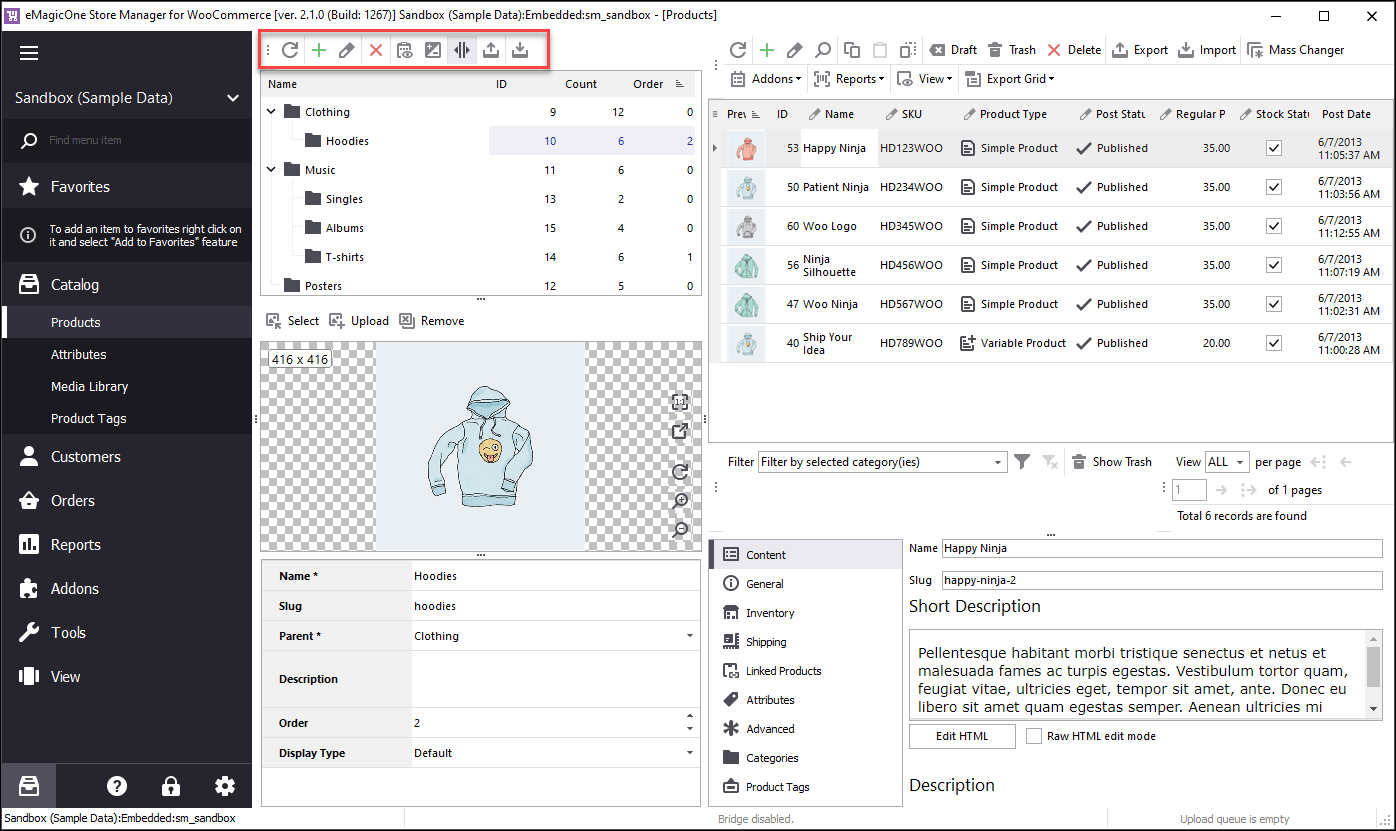
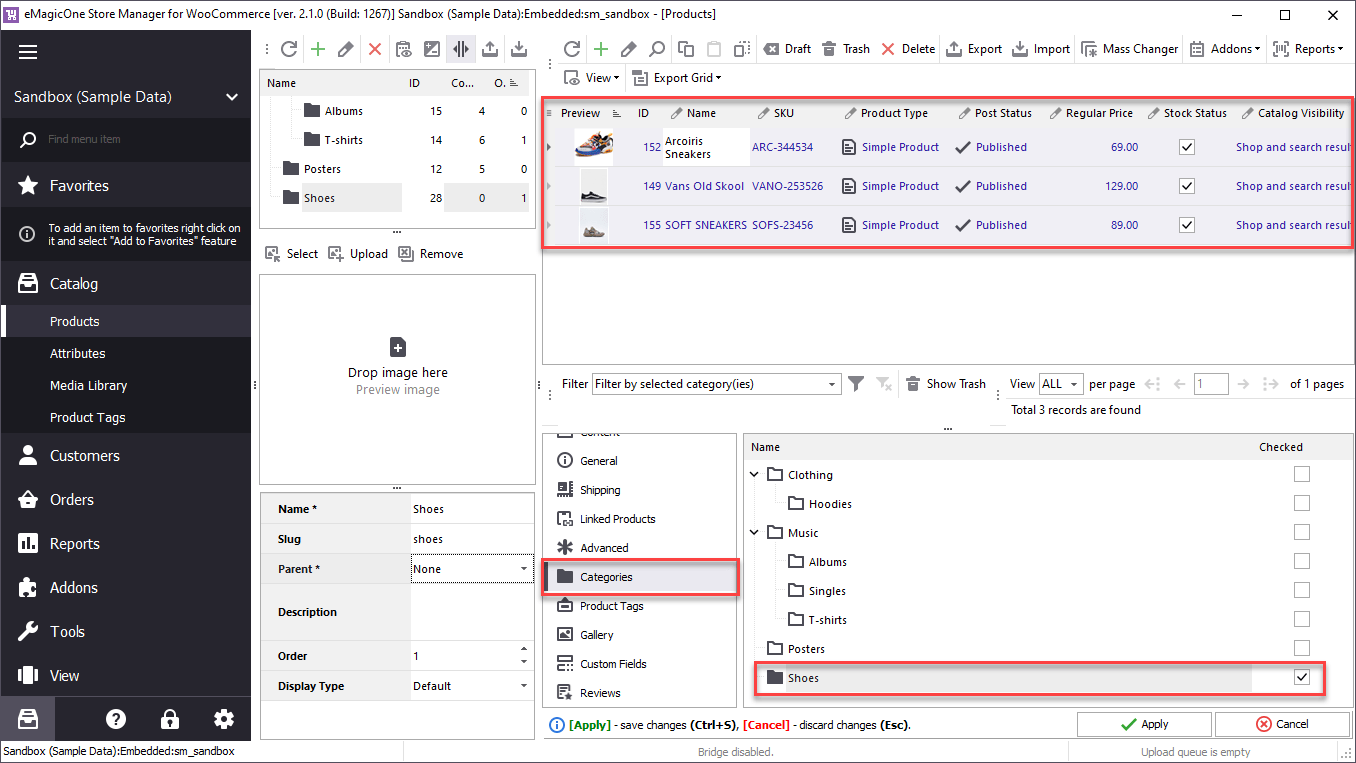
The main benefit of managing categories via Store Manager is that all options related to category management are comprised together and can be selected from the same toolbar. Especially convenient is the possibility to perform export or .csv import of specific categories right away.
In order to add a category via Store Manager, perform the following steps:
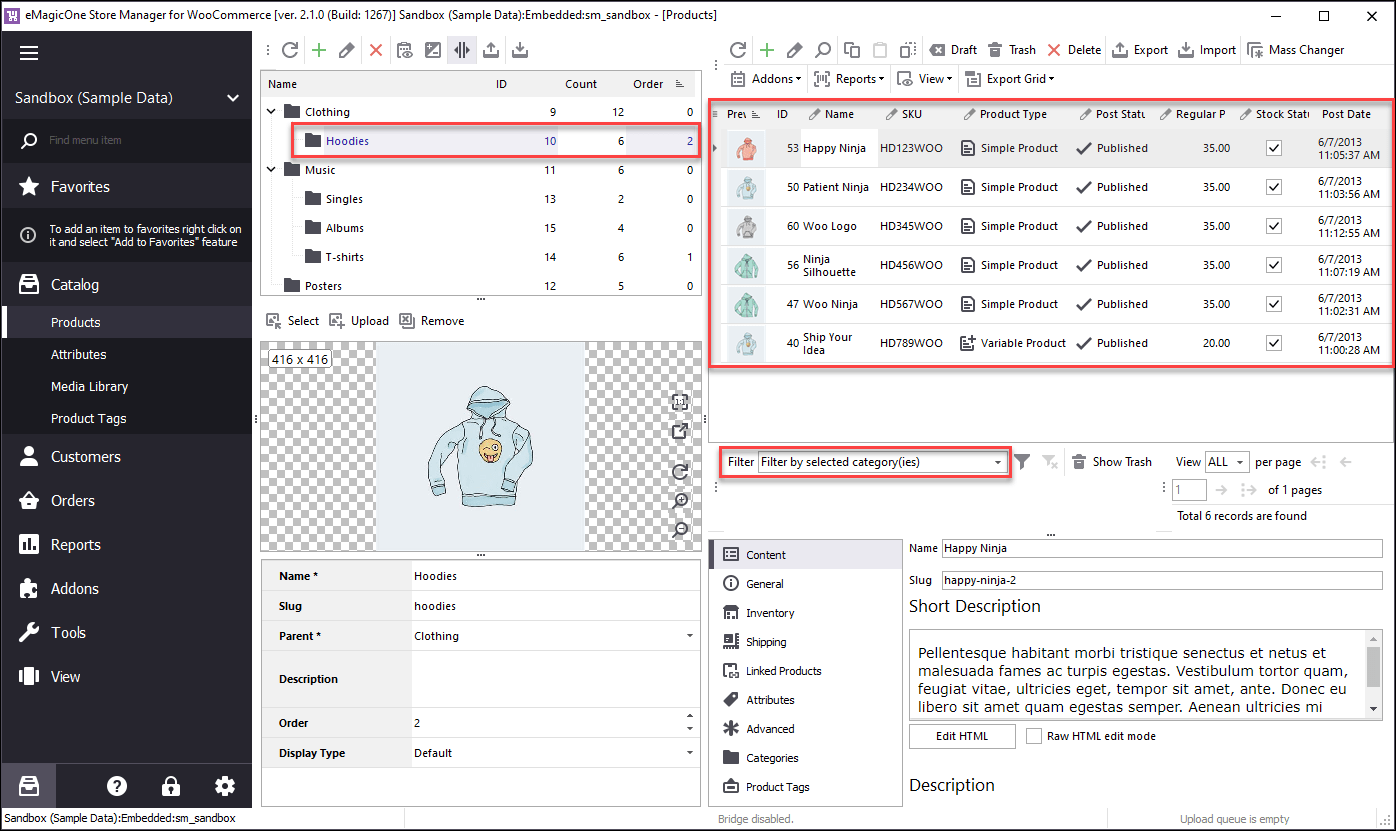
Store Manager allows to view both category section and product list side by side. By clicking on category you get the list of items included there. Such convenient and practical location of sections produces the possibility of comprehensive category management.
WooCommerce category associating can be performed in the grid and in the course of product import. Read More...
Get a detailed step-by-step tutorial of exporting the categories with the help of Store Manager desktop application. Read More...
Discover all possible ways of exporting WooCommerce selected product information from specific categories. Read More...
Take advantage of the built-in tool for category tree import as well as instant category creating in the process of product upload. Read More...